Probability-Probability Plots (ligo.skymap.plot.pp)
Axes subclass for making probability–probability (P–P) plots.
Example
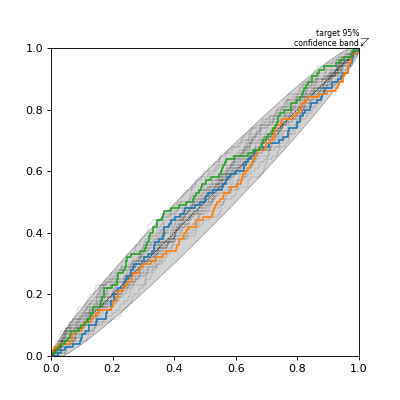
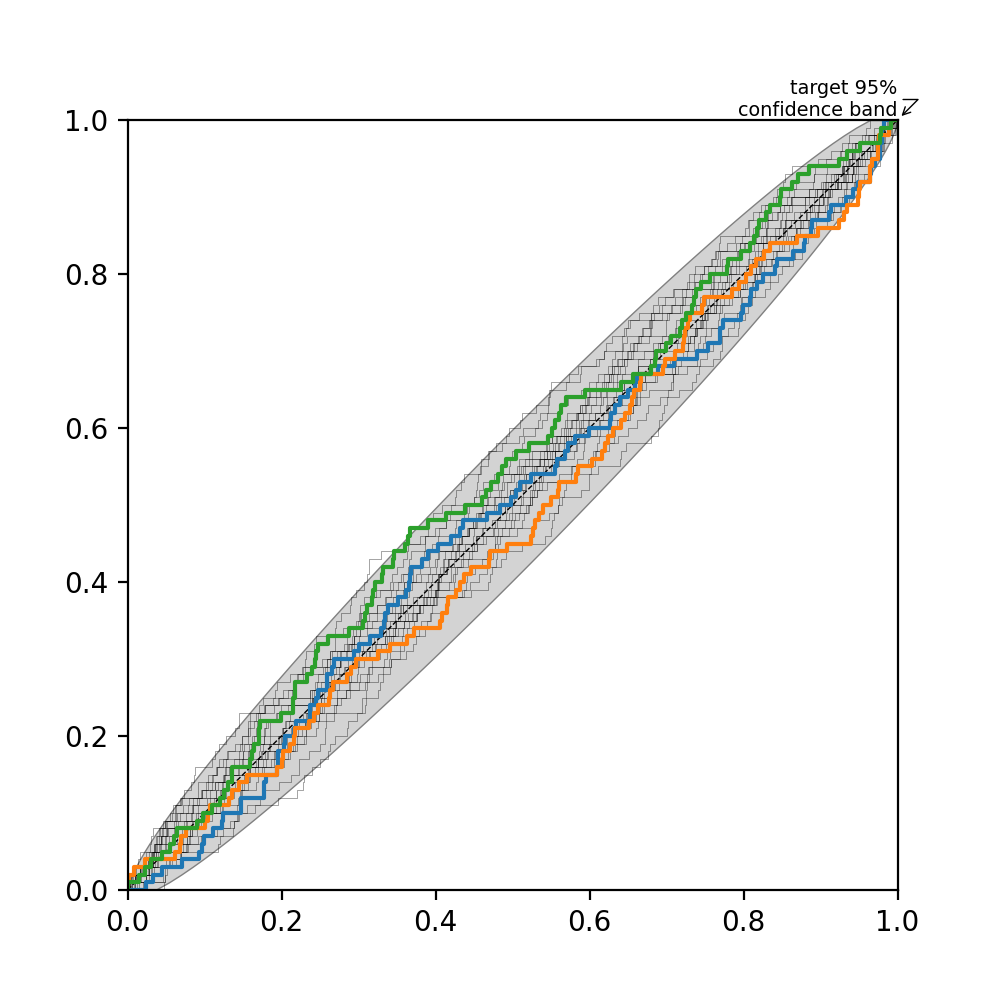
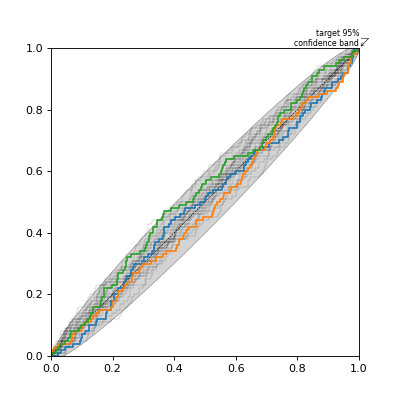
You can create new P–P plot axes by passing the keyword argument
projection='pp_plot' when creating new Matplotlib axes.
import ligo.skymap.plot
from matplotlib import pyplot as plt
import numpy as np

n = 100
p_values_1 = np.random.uniform(size=n) # One experiment
p_values_2 = np.random.uniform(size=n) # Another experiment
p_values_3 = np.random.uniform(size=n) # Yet another experiment

fig = plt.figure(figsize=(5, 5))
ax = fig.add_subplot(111, projection='pp_plot')
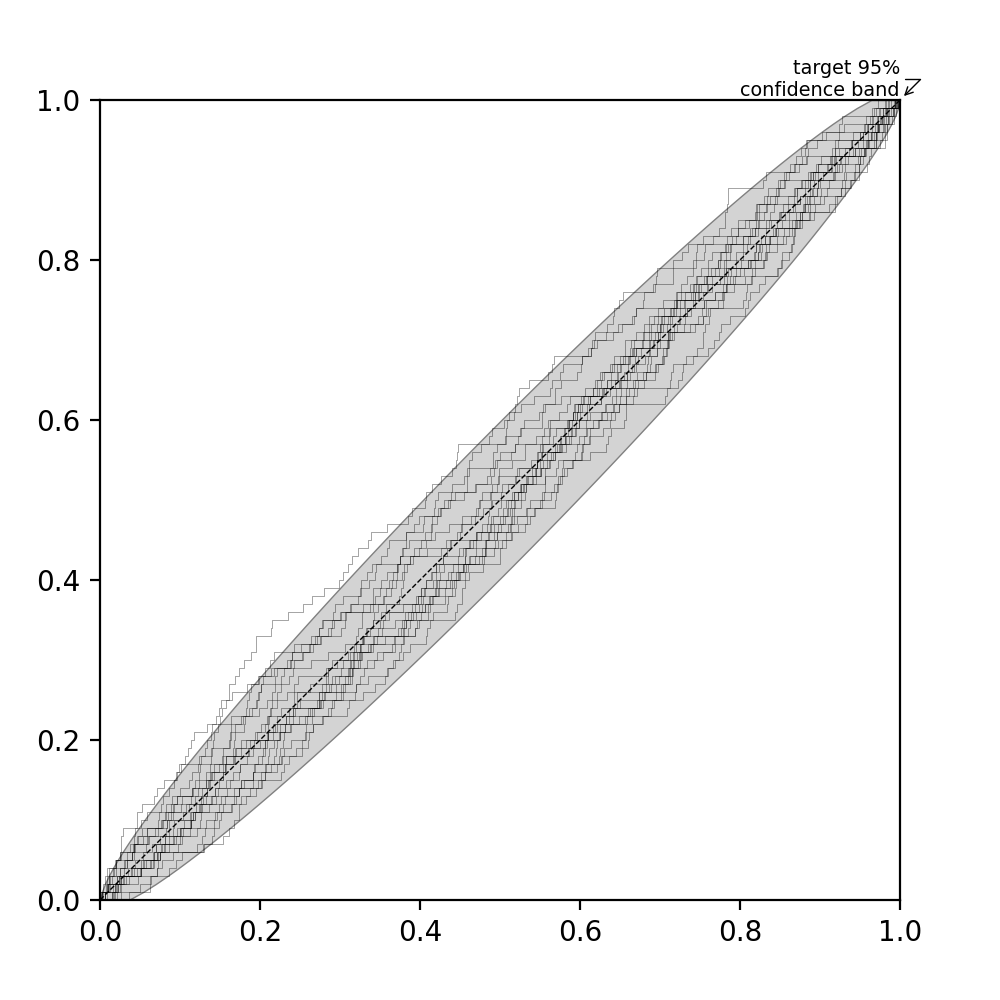
ax.add_confidence_band(n, alpha=0.95) # Add 95% confidence band
ax.add_diagonal() # Add diagonal line
ax.add_lightning(n, 20) # Add some random realizations of n samples
ax.add_series(p_values_1, p_values_2, p_values_3) # Add our data
(Source code, png, hires.png, pdf)
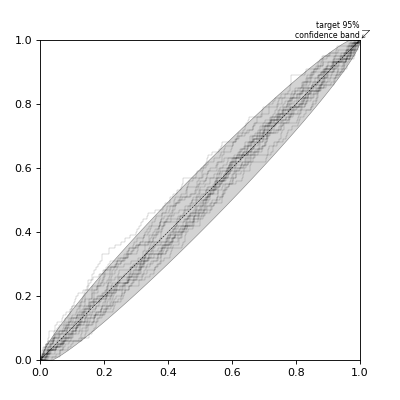
Or, you can call the constructor of PPPlot directly.
from ligo.skymap.plot import PPPlot
from matplotlib import pyplot as plt
import numpy as np

n = 100

rect = [0.1, 0.1, 0.8, 0.8] # Where to place axes in figure
fig = plt.figure(figsize=(5, 5))
ax = PPPlot(fig, rect)
fig.add_axes(ax)
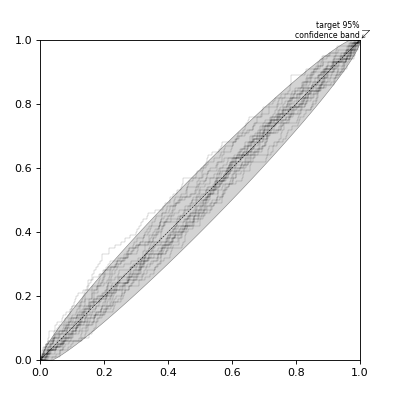
ax.add_confidence_band(n, alpha=0.95)
ax.add_lightning(n, 20)
ax.add_diagonal()
(Source code, png, hires.png, pdf)
- class ligo.skymap.plot.pp.PPPlot(*args, **kwargs)[source]
Bases:
AxesConstruct a probability–probability (P–P) plot.
Build an Axes in a figure.
- Parameters:
- fig
Figure The Axes is built in the
Figurefig.- *args
*argscan be a single(left, bottom, width, height)rectangle or a singleBbox. This specifies the rectangle (in figure coordinates) where the Axes is positioned.*argscan also consist of three numbers or a single three-digit number; in the latter case, the digits are considered as independent numbers. The numbers are interpreted as(nrows, ncols, index):(nrows, ncols)specifies the size of an array of subplots, andindexis the 1-based index of the subplot being created. Finally,*argscan also directly be aSubplotSpecinstance.- sharex, sharey
Axes, optional The x- or y-
axisis shared with the x- or y-axis in the inputAxes. Note that it is not possible to unshare axes.- frameonbool, default: True
Whether the Axes frame is visible.
- box_aspectfloat, optional
Set a fixed aspect for the Axes box, i.e. the ratio of height to width. See
set_box_aspectfor details.- forward_navigation_eventsbool or “auto”, default: “auto”
Control whether pan/zoom events are passed through to Axes below this one. “auto” is True for axes with an invisible patch and False otherwise.
- **kwargs
Other optional keyword arguments:
Properties: adjustable: {‘box’, ‘datalim’} agg_filter: a filter function, which takes a (m, n, 3) float array and a dpi value, and returns a (m, n, 3) array and two offsets from the bottom left corner of the image alpha: float or None anchor: (float, float) or {‘C’, ‘SW’, ‘S’, ‘SE’, ‘E’, ‘NE’, …} animated: bool aspect: {‘auto’, ‘equal’} or float autoscale_on: bool autoscalex_on: unknown autoscaley_on: unknown axes_locator: Callable[[Axes, Renderer], Bbox] axisbelow: bool or ‘line’ box_aspect: float or None clip_box:
BboxBaseor None clip_on: bool clip_path: Patch or (Path, Transform) or None facecolor or fc: color figure:FigureorSubFigureforward_navigation_events: bool or “auto” frame_on: bool gid: str in_layout: bool label: object mouseover: bool navigate: bool navigate_mode: unknown path_effects: list ofAbstractPathEffectpicker: None or bool or float or callable position: [left, bottom, width, height] orBboxprop_cycle:Cyclerrasterization_zorder: float or None rasterized: bool sketch_params: (scale: float, length: float, randomness: float) snap: bool or None subplotspec: unknown title: str transform:Transformurl: str visible: bool xbound: (lower: float, upper: float) xlabel: str xlim: (left: float, right: float) xmargin: float greater than -0.5 xscale: unknown xticklabels: unknown xticks: unknown ybound: (lower: float, upper: float) ylabel: str ylim: (bottom: float, top: float) ymargin: float greater than -0.5 yscale: unknown yticklabels: unknown yticks: unknown zorder: float
- fig
- Returns:
AxesThe new
Axesobject.
- add_confidence_band(nsamples, alpha=0.95, annotate=True, **kwargs)[source]
Add a target confidence band.
- Parameters:
- nsamplesint
Number of P-values
- alphafloat, default: 0.95
Confidence level
- annotatebool, optional, default: True
If True, then label the confidence band.
- Other Parameters:
- **kwargs
optional extra arguments to
matplotlib.axes.Axes.fill_betweenx
- add_diagonal(*args, **kwargs)[source]
Add a diagonal line to the plot, running from (0, 0) to (1, 1).
- Other Parameters:
- kwargs
optional extra arguments to
matplotlib.axes.Axes.plot
- add_lightning(nsamples, ntrials, **kwargs)[source]
Add P-values drawn from a random uniform distribution, as a visual representation of the acceptable scatter about the diagonal.
- Parameters:
- nsamplesint
Number of P-values in each trial
- ntrialsint
Number of line series to draw.
- Other Parameters:
- kwargs
optional extra arguments to
matplotlib.axes.Axes.plot
- add_series(*p_values, **kwargs)[source]
Add a series of P-values to the plot.
- Parameters:
- p_values
numpy.ndarray One or more lists of P-values.
If an entry in the list is one-dimensional, then it is interpreted as an unordered list of P-values. The ranked values will be plotted on the horizontal axis, and the cumulative fraction will be plotted on the vertical axis.
If an entry in the list is two-dimensional, then the first subarray is plotted on the horizontal axis and the second subarray is plotted on the vertical axis.
- drawstyle{‘steps’, ‘lines’, ‘default’}
Plotting style. If
steps, then plot steps to represent a piecewise constant function. Iflines, then connect points with straight lines. Ifdefaultthen use steps if there are more than 2 pixels per data point, or else lines.
- p_values
- Other Parameters:
- kwargs
optional extra arguments to
matplotlib.axes.Axes.plot
- add_worst(*p_values)[source]
Mark the point at which the deviation is largest.
- Parameters:
- p_values
numpy.ndarray Same as in
add_series.
- p_values
- set(*, adjustable=<UNSET>, agg_filter=<UNSET>, alpha=<UNSET>, anchor=<UNSET>, animated=<UNSET>, aspect=<UNSET>, autoscale_on=<UNSET>, autoscalex_on=<UNSET>, autoscaley_on=<UNSET>, axes_locator=<UNSET>, axisbelow=<UNSET>, box_aspect=<UNSET>, clip_box=<UNSET>, clip_on=<UNSET>, clip_path=<UNSET>, facecolor=<UNSET>, forward_navigation_events=<UNSET>, frame_on=<UNSET>, gid=<UNSET>, in_layout=<UNSET>, label=<UNSET>, mouseover=<UNSET>, navigate=<UNSET>, path_effects=<UNSET>, picker=<UNSET>, position=<UNSET>, prop_cycle=<UNSET>, rasterization_zorder=<UNSET>, rasterized=<UNSET>, sketch_params=<UNSET>, snap=<UNSET>, subplotspec=<UNSET>, title=<UNSET>, transform=<UNSET>, url=<UNSET>, visible=<UNSET>, xbound=<UNSET>, xlabel=<UNSET>, xlim=<UNSET>, xmargin=<UNSET>, xscale=<UNSET>, xticklabels=<UNSET>, xticks=<UNSET>, ybound=<UNSET>, ylabel=<UNSET>, ylim=<UNSET>, ymargin=<UNSET>, yscale=<UNSET>, yticklabels=<UNSET>, yticks=<UNSET>, zorder=<UNSET>)
Set multiple properties at once.
Supported properties are
- Properties:
adjustable: {‘box’, ‘datalim’} agg_filter: a filter function, which takes a (m, n, 3) float array and a dpi value, and returns a (m, n, 3) array and two offsets from the bottom left corner of the image alpha: float or None anchor: (float, float) or {‘C’, ‘SW’, ‘S’, ‘SE’, ‘E’, ‘NE’, …} animated: bool aspect: {‘auto’, ‘equal’} or float autoscale_on: bool autoscalex_on: unknown autoscaley_on: unknown axes_locator: Callable[[Axes, Renderer], Bbox] axisbelow: bool or ‘line’ box_aspect: float or None clip_box:
BboxBaseor None clip_on: bool clip_path: Patch or (Path, Transform) or None facecolor or fc: color figure:FigureorSubFigureforward_navigation_events: bool or “auto” frame_on: bool gid: str in_layout: bool label: object mouseover: bool navigate: bool navigate_mode: unknown path_effects: list ofAbstractPathEffectpicker: None or bool or float or callable position: [left, bottom, width, height] orBboxprop_cycle:Cyclerrasterization_zorder: float or None rasterized: bool sketch_params: (scale: float, length: float, randomness: float) snap: bool or None subplotspec: unknown title: str transform:Transformurl: str visible: bool xbound: (lower: float, upper: float) xlabel: str xlim: (left: float, right: float) xmargin: float greater than -0.5 xscale: unknown xticklabels: unknown xticks: unknown ybound: (lower: float, upper: float) ylabel: str ylim: (bottom: float, top: float) ymargin: float greater than -0.5 yscale: unknown yticklabels: unknown yticks: unknown zorder: float